Digital pre-start inspection app
Pre-starts people will complete.
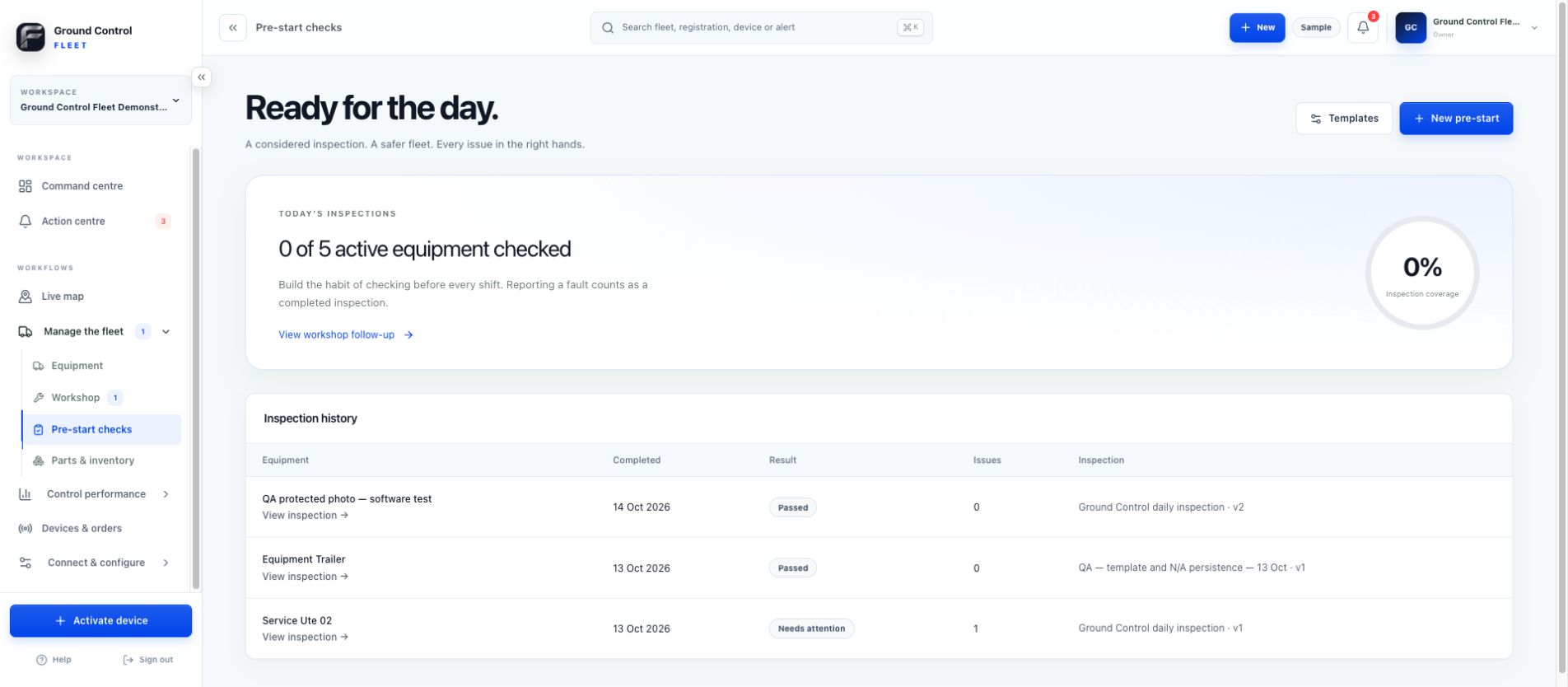
Give operators a fast question-by-question pre-start on mobile. Failed checks ask for issue detail and evidence, then keep the result with the machine and the people responsible for follow-up.
Built for United States equipment fleets
Fast for operators. Useful for managers.
A clear card workflow keeps the inspection focused, while failures retain the equipment, answer, issue detail and supporting evidence needed for action.
Guided one-question workflow
Operators answer pass, fail or not applicable without working through a cluttered form.
Conditional issue capture
A failed check asks for the description and evidence needed to understand the problem.
Workshop follow-up
Turn failed checks into maintenance work while keeping the original inspection context.
Equipment inspection history
Keep completed pre-start results attached to the correct vehicle or machine.
Inside Ground Control Fleet
Operational context stays with the equipment.
Move from the fleet to a machine, issue, inspection, service record or cost without losing the asset behind the work.
Explore the Fleet platform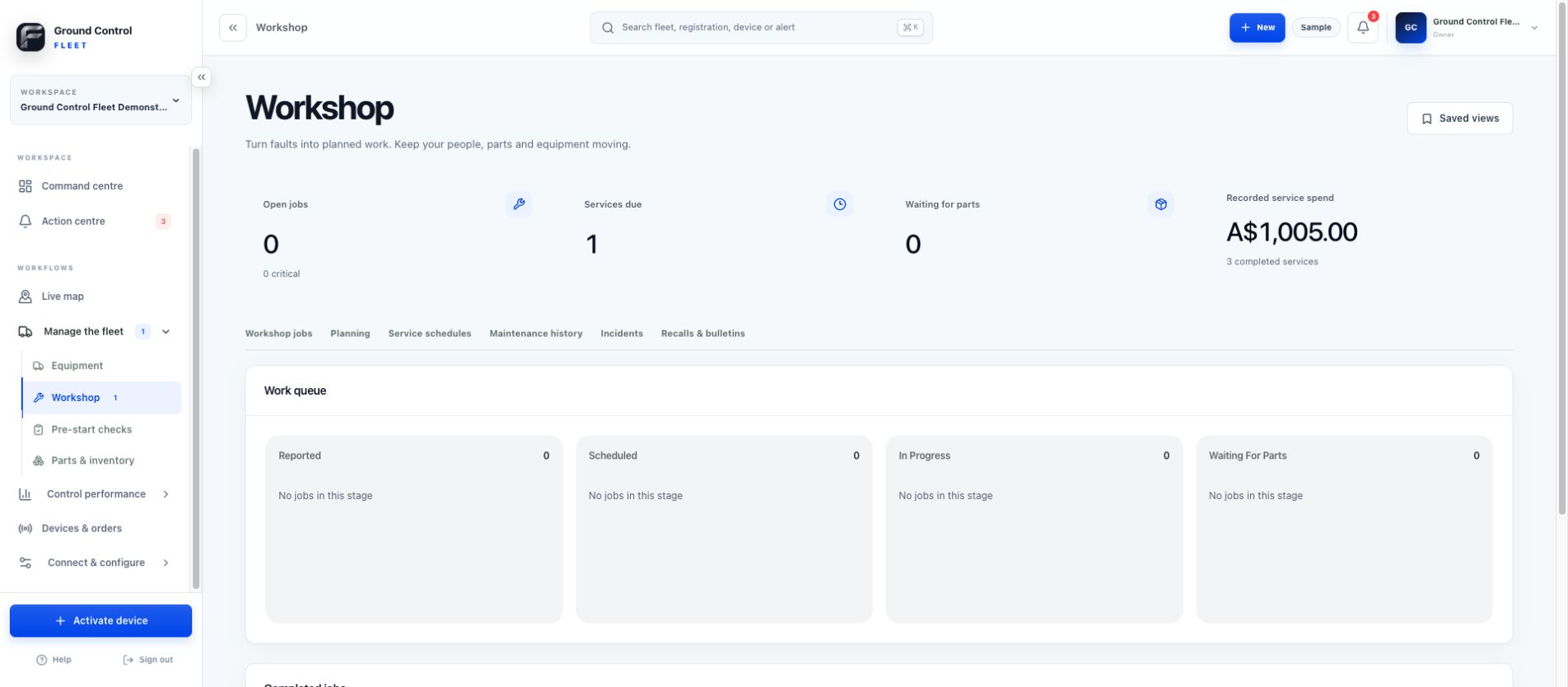
How it works
Start with the record. Connect what matters.
- 01
Select the equipment
Search and filter recognisable equipment cards when starting from the pre-start area.
- 02
Complete the guided check
Move through the applicable questions one at a time on mobile.
- 03
Explain only what failed
Add issue details and supporting images when a check does not pass.
- 04
Route the follow-up
Notify the configured team and create workshop action where the fault requires work.
Optional connected hardware
Live GPS where it earns its place.
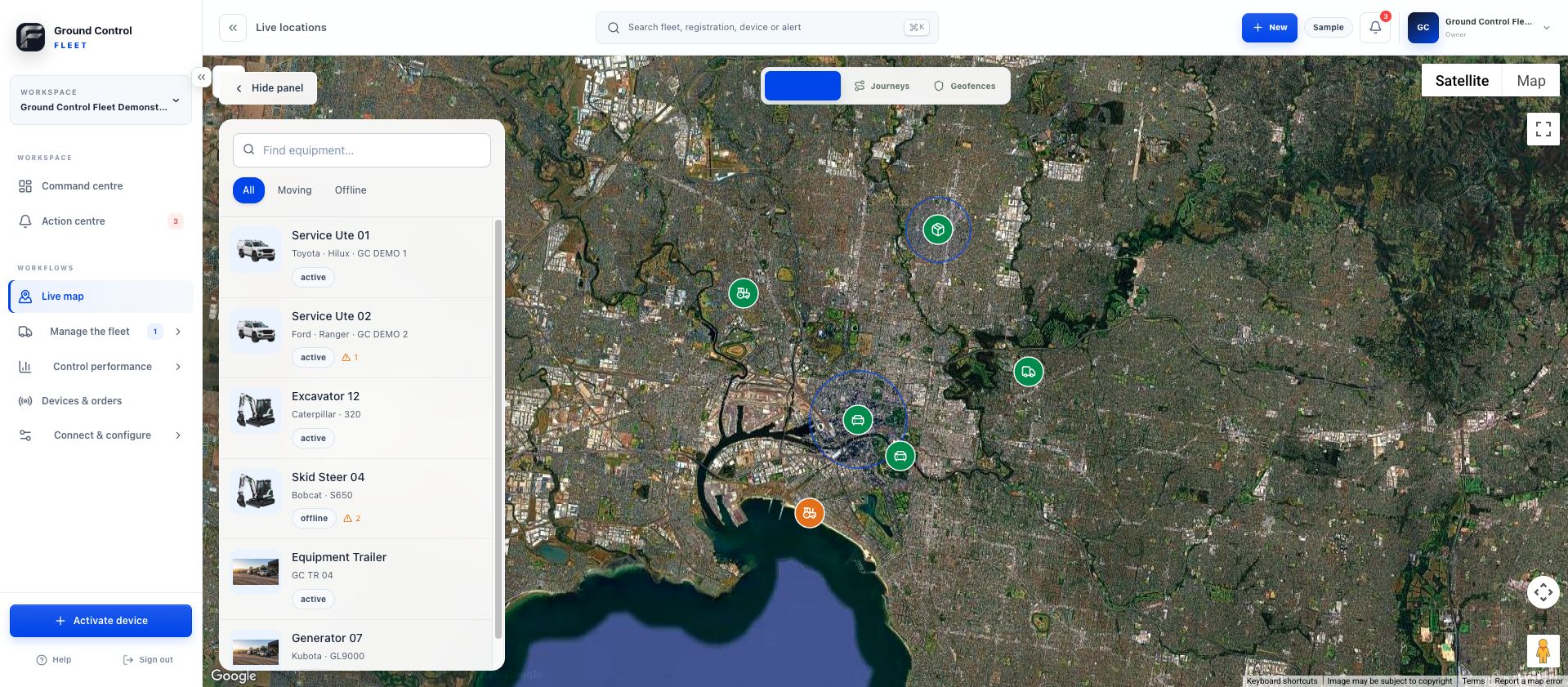
Keep the software free for equipment that only needs a digital record. For selected vehicles and machines, activate an approved Ground Control device to add supported live location, journeys, geofences and device data.
Common questions
Clear from the start.
What does N/A mean in a pre-start?
N/A means not applicable. It is for a check that is not relevant to the selected machine or vehicle.
Can an organisation create its own pre-start?
Yes. Organisations can create custom question sets and apply them to the applicable equipment.
What happens when a pre-start fails?
The operator provides issue context and evidence, the result stays with the equipment and configured teams can be notified for follow-up.
Ground Control Fleet
Start with the equipment you already have.
Create the register, give your team one place to work and add connected devices when live visibility is worth it.
Start Managing Your Equipment — Free